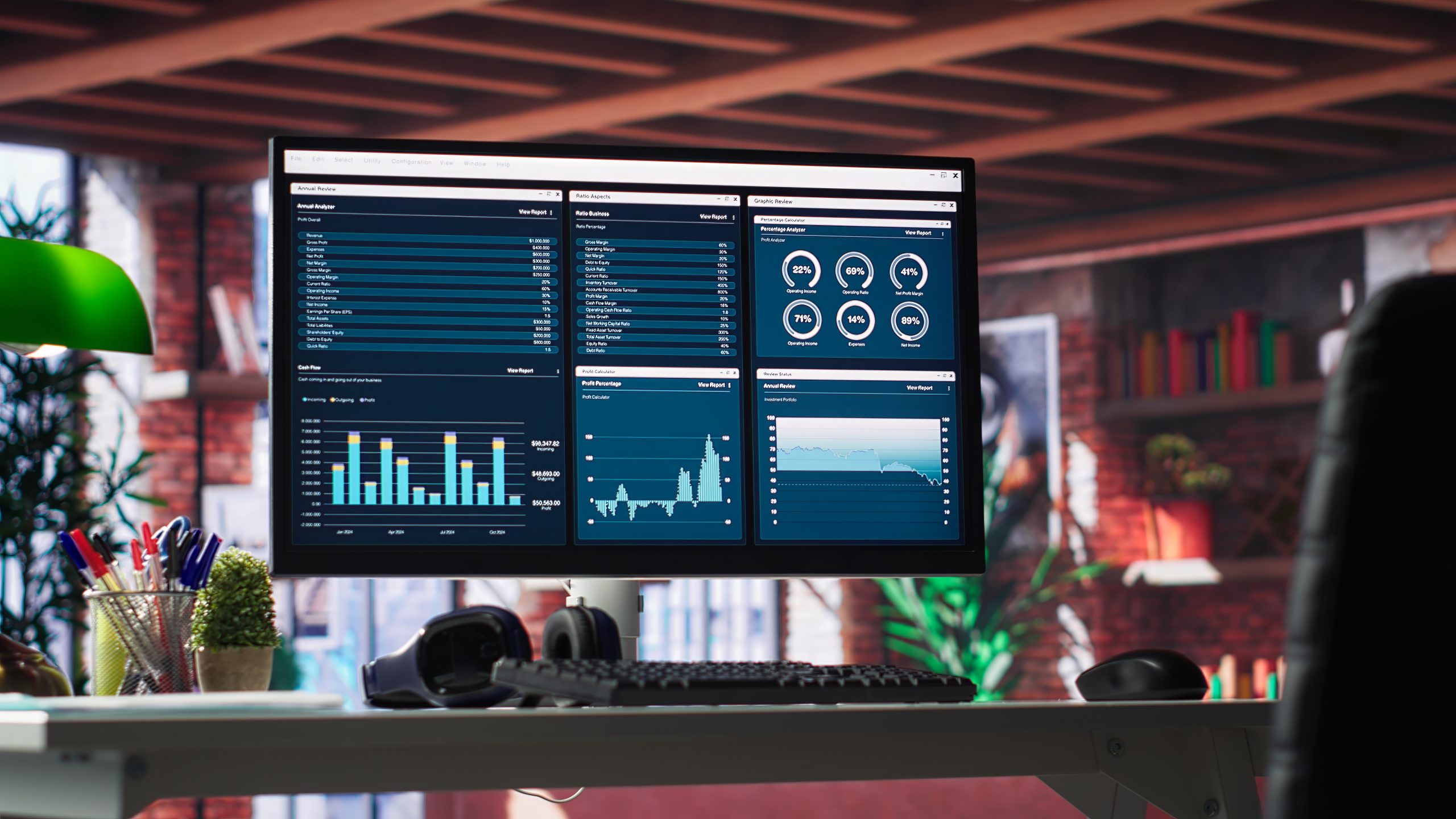
Ross DashBoard Control Panels
We build custom DashBoard panels that give the operator direct, single-screen control of the graphics — no menu diving, no memorised shortcuts, no switching between applications mid-show. Each panel is laid out around the running order of your programme: every take, clear, update and preview sits where the operator expects it, and the buttons are grouped the way the show actually runs.
Built in OGLML and ogScript and driving XPression over RossTalk, the panels can also carry live data fields, so a producer types a name, a score or a caption straight into the panel and it reaches air correctly formatted the first time. The result is fewer steps between the decision and the screen, fewer mistakes under pressure, and a control surface any operator on the roster can pick up and run.
What we deliver